Inventory & item-record software · One-time packages · Digital delivery

ItemLedger

Features

Practical Tools for Organised Inventory

ItemLedger focuses on clear item records, visible quantities and useful history.
View Software PackagesExplore Features

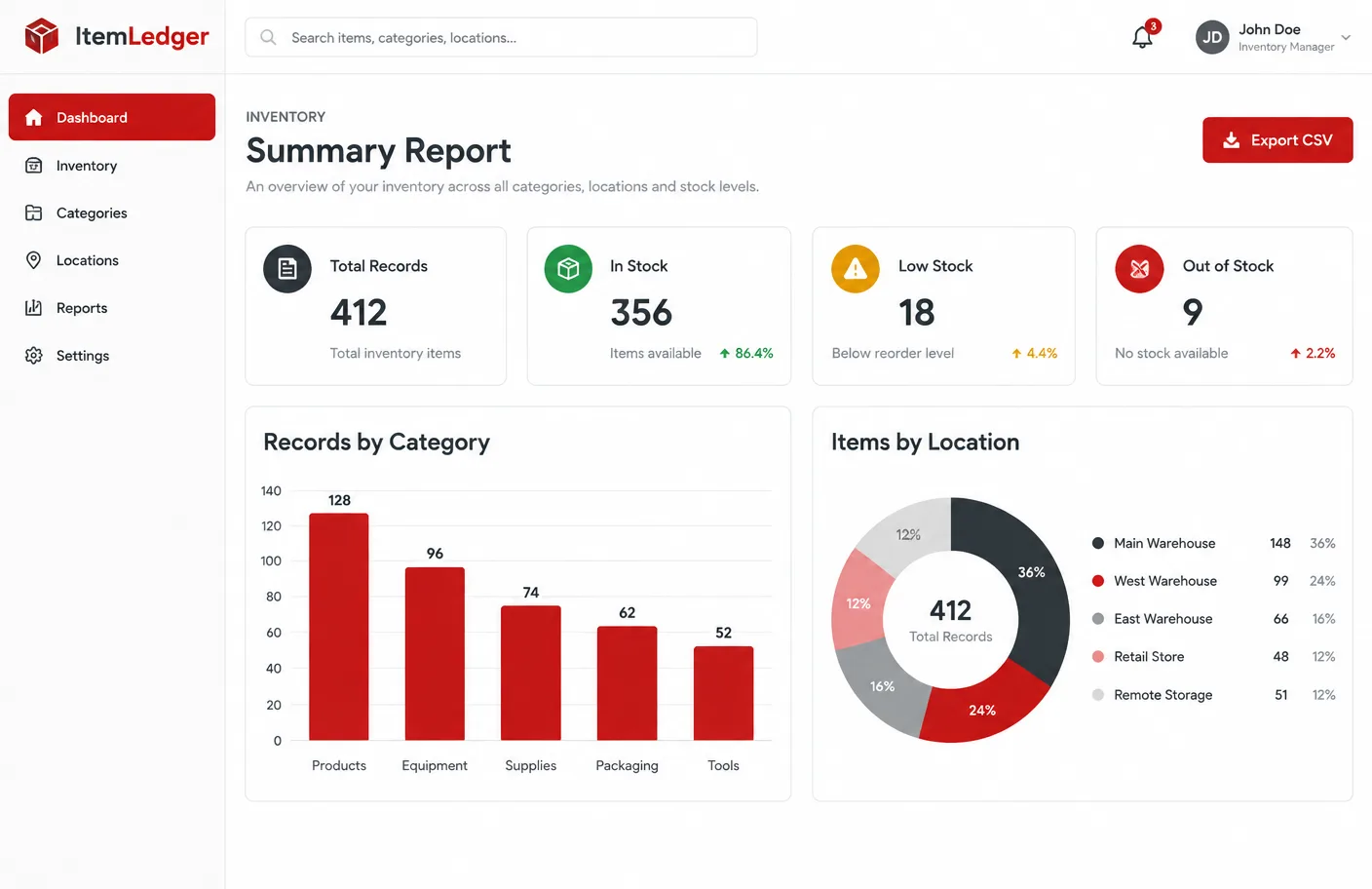
ItemLedger inventory summary previewIllustrative software preview

Item Records

Every item follows the same structure so details are never guesswork.
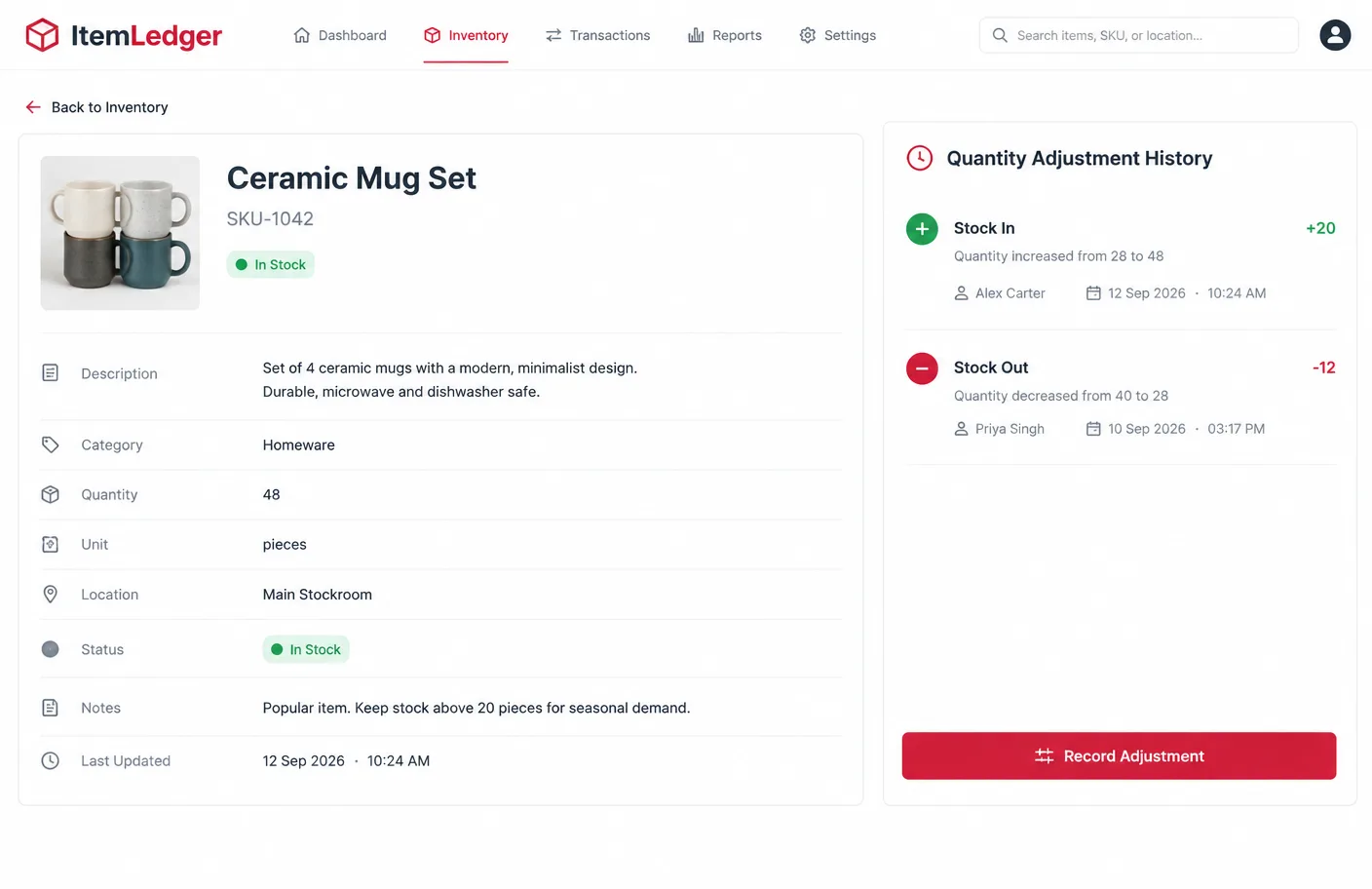
  • Item name
  • SKU or reference
  • Description
  • Category
  • Quantity and unit
  • Location
  • Status
  • Notes
  • Last update
ItemLedger item records illustrative preview

Quantity Management

Record what comes in and what goes out, with a reason each time.
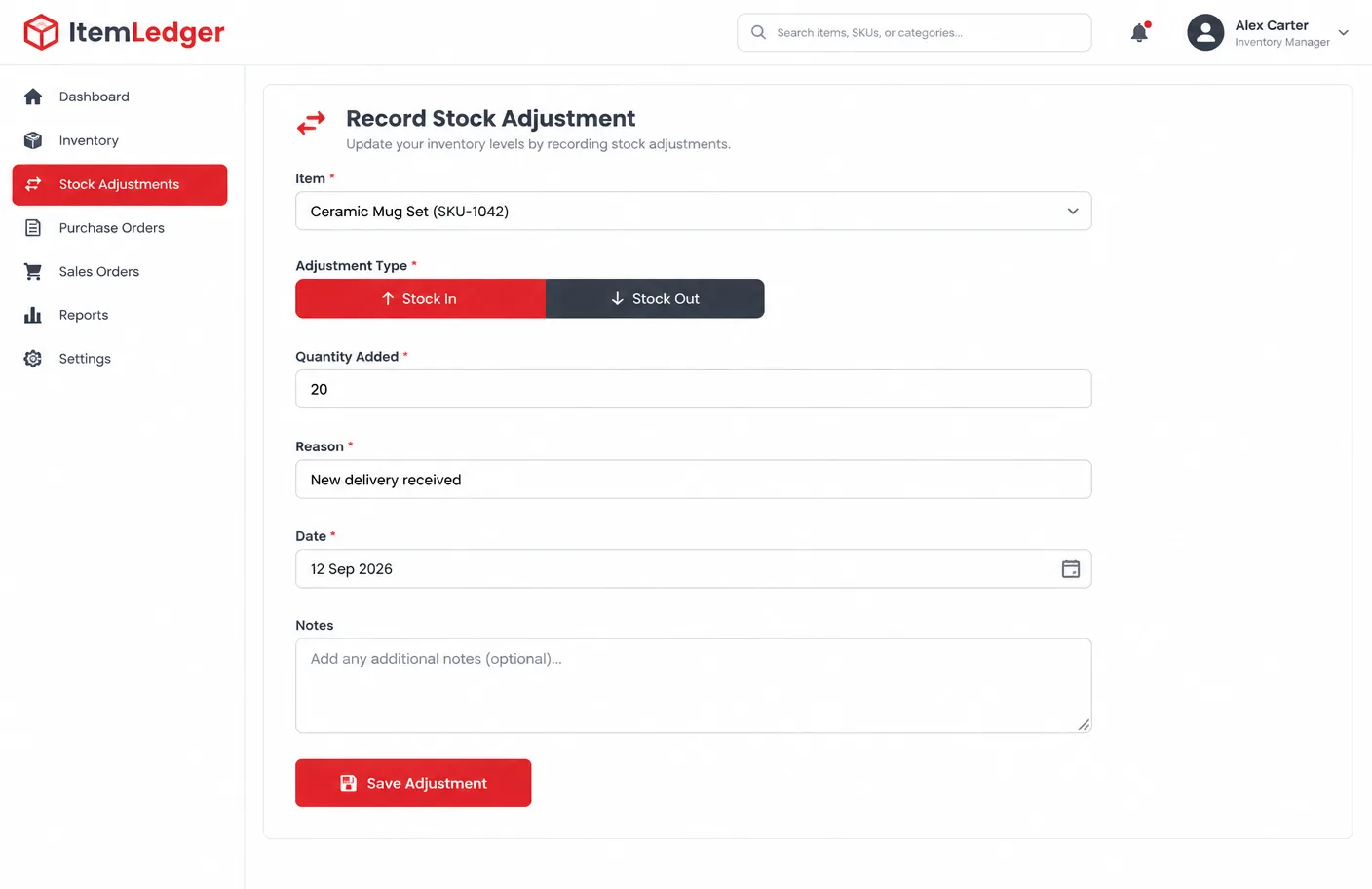
  • Current quantity
  • Stock additions
  • Stock removals
  • Manual adjustment
  • Adjustment reason
  • Adjustment date
ItemLedger quantity management illustrative preview

Categories

Group items so a growing list stays manageable.
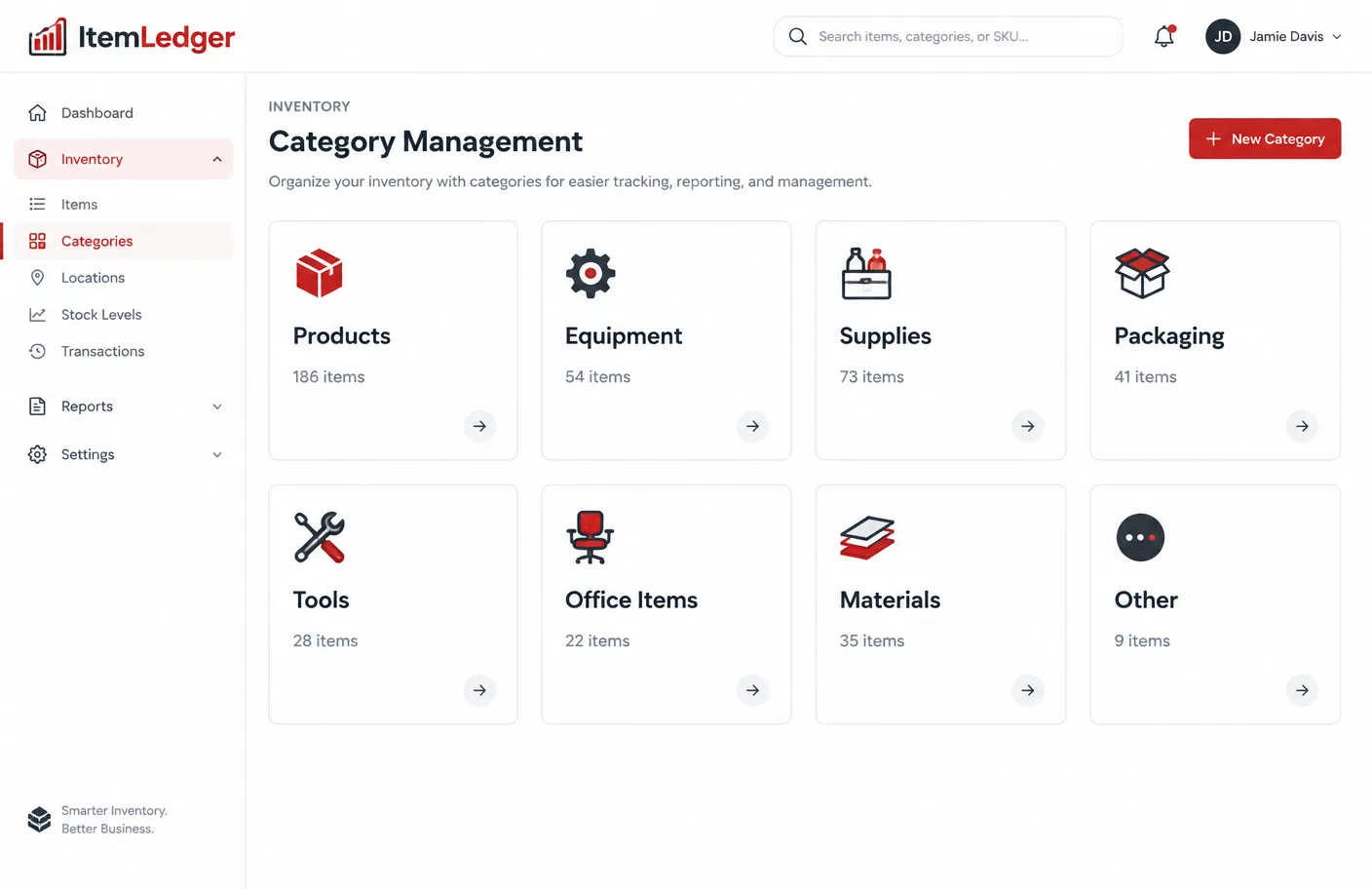
  • Custom categories where supported
  • Product groups
  • Equipment groups
  • Supply categories
  • Internal classification
ItemLedger categories illustrative preview

Locations

Record where everything is stored, from stockroom to vehicle.
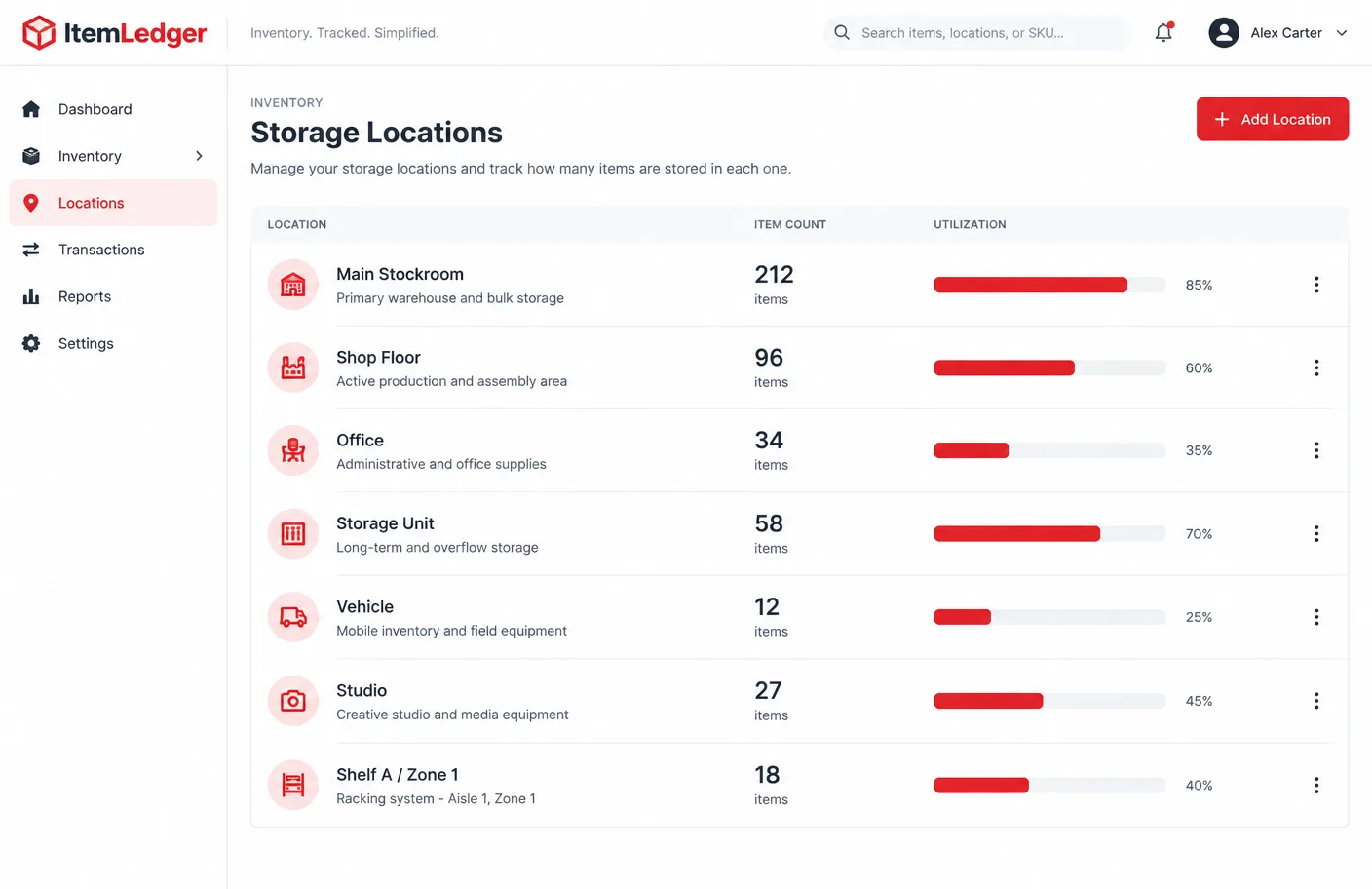
  • Storage locations
  • Shelves
  • Zones
  • Offices
  • Stockrooms
  • Vehicles where relevant
ItemLedger locations illustrative preview

Status Tracking

Six statuses help you see where every item stands.
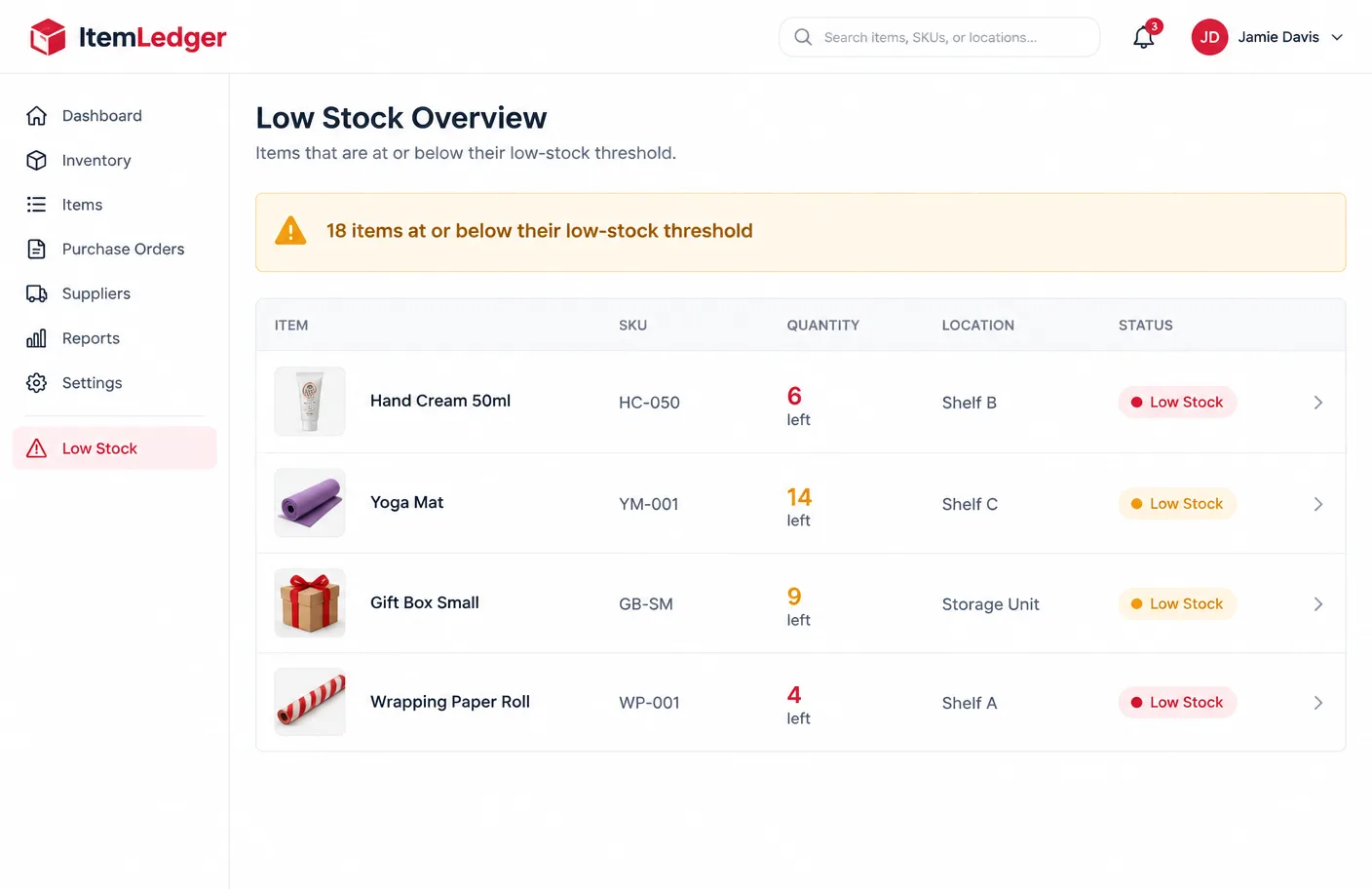
  • In Stock
  • Low Stock
  • Out of Stock
  • Reserved
  • In Use
  • Archived
ItemLedger status tracking illustrative preview

Item History

A timeline of what changed on each record.
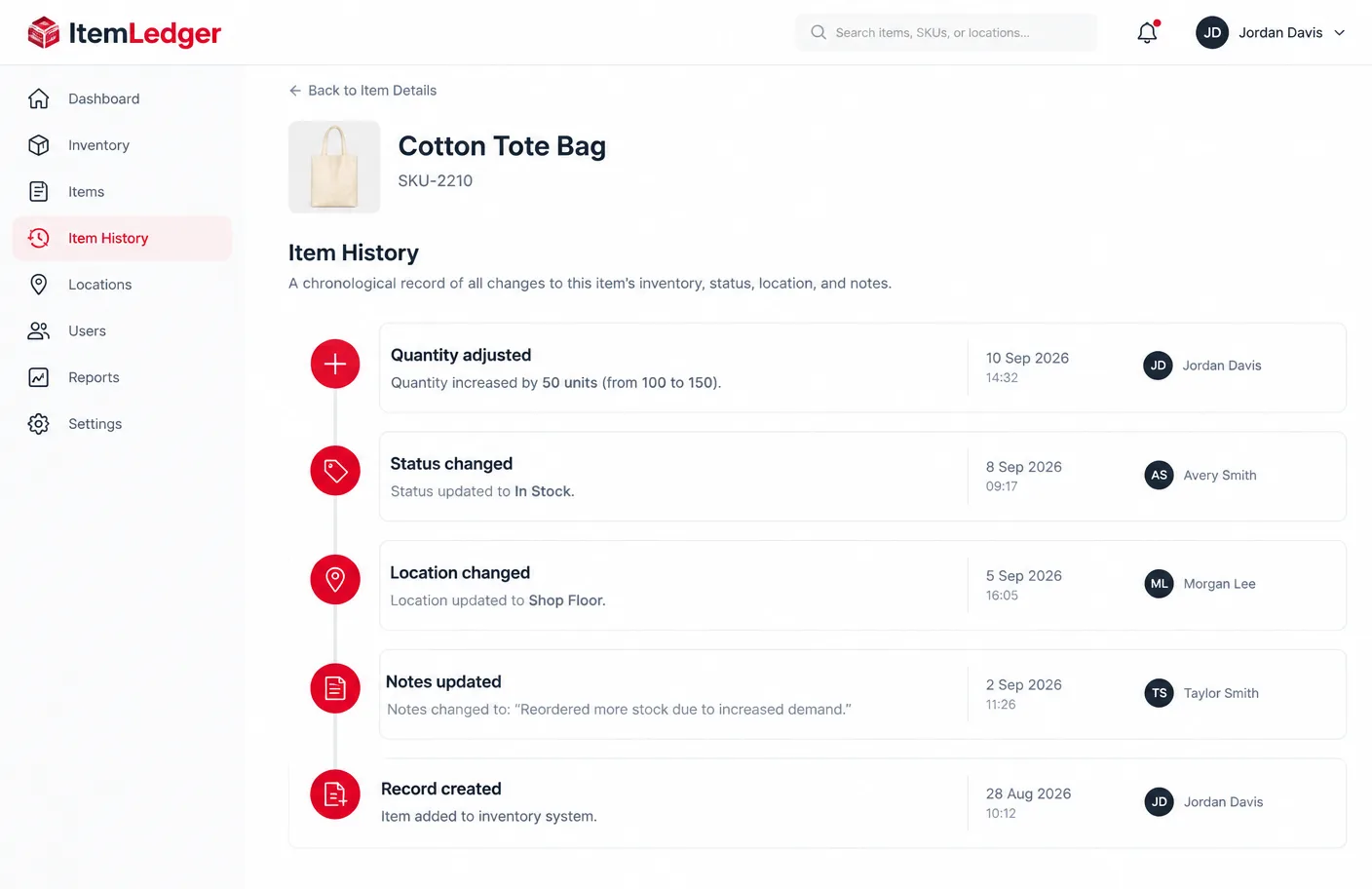
  • Quantity history
  • Status history
  • Location history
  • Note updates
  • Modification dates
ItemLedger item history illustrative preview

Inventory Summaries

Practical totals from your own records. No advanced analytics are claimed.

  • Total records
  • In-stock records
  • Low-stock records
  • Out-of-stock records
  • Category overview
  • Location overview
ItemLedger inventory summaries illustrative preview

Data Exports

Take your records with you where your package includes export.

  • CSV export where included
  • Record summaries
  • Inventory reports
  • Package-dependent export options
ItemLedger data exports illustrative preview

Search and Filtering

Find items without scrolling through pages of records.

Search by name

Find an item by its name.

Search by SKU

Look up a reference directly.

Filter by category

Show one group of items.

Filter by location

See what is stored where.

Filter by status

Show in-stock, low-stock or archived items.

Filter by quantity

Spot items running low.

Team Options

Selected higher-level ItemLedger packages may include multi-user or team-oriented inventory features according to the stated package limits. Real-time warehouse collaboration is not claimed.

Ready for Clearer Inventory Records?

Compare ItemLedger packages and choose the capacity that matches your items, users and inventory requirements.

View PackagesContact ItemLedger